How to check “Sitemap could not be read” on a static site
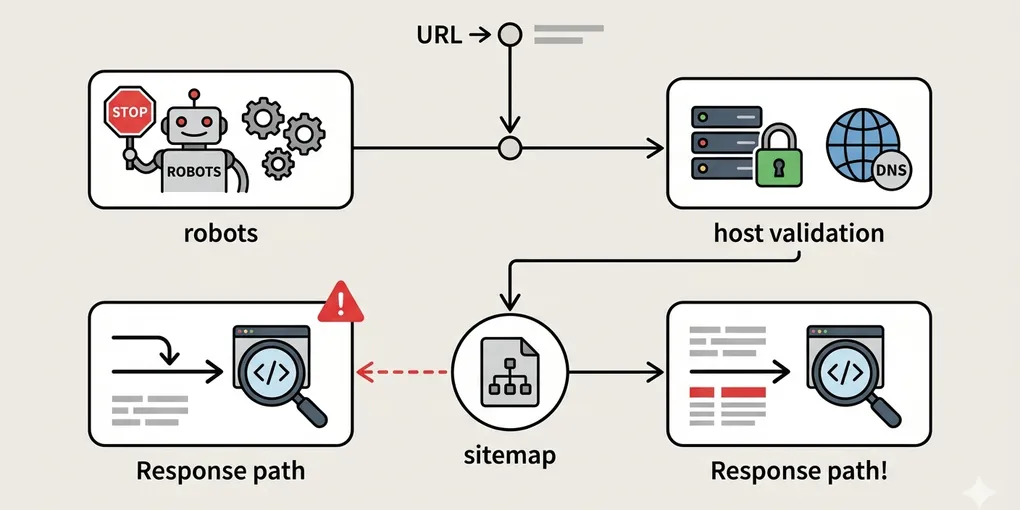
“Sitemap could not be read” sounds like a sitemap file problem, but static sites often break one step around the file rather than inside the file itself. The XML may exist while the live response, robots rule, redirect path, or host setup is still wrong.
That is why the fastest fix is not editing the sitemap first. The faster move is checking the smallest path from live URL to readable XML.
1. Open the live sitemap URL first
Do not start from the local file or build artifact. Start from the public URL that search tools are actually trying to fetch.
Check only one thing first: does the live sitemap URL return readable XML right now?
2. Separate file existence from response correctness
On static sites, these are not the same problem. The file may exist in the build output while the live route still returns HTML fallback, redirect loops, or the wrong host.
That means you should verify:
- the final public URL
- the actual response status
- whether the body is XML instead of HTML
3. Check robots.txt after the live response
If the sitemap URL is live but search still complains, the next thing to inspect is robots.txt. The rule may block a relevant path or expose a sitemap URL that does not match the real host.
At this point you are not asking “is robots present?” You are asking “does robots point to the same sitemap URL I just verified?”
4. Verify the final host and redirect path
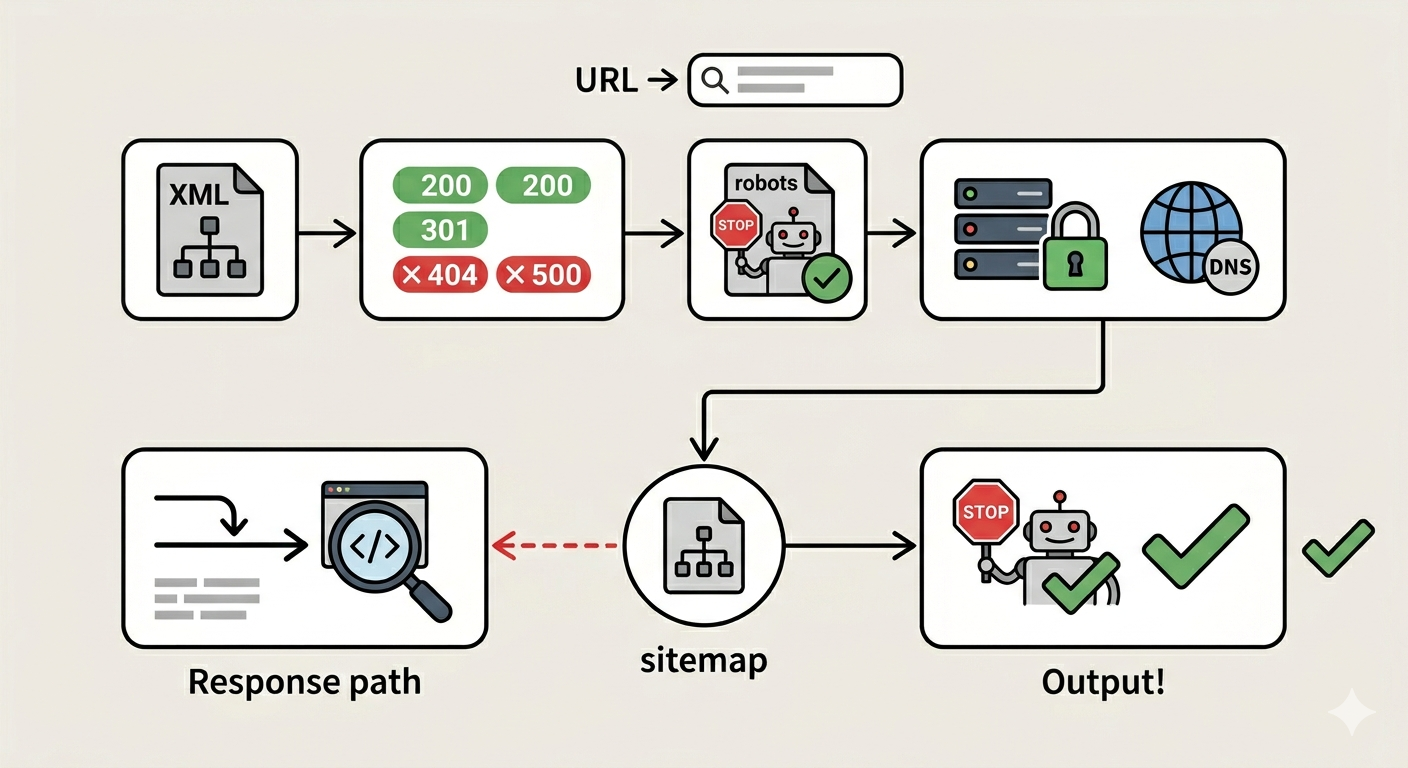
Many static site failures come from one mismatch: sitemap URL, canonical host, deployed host, and robots host do not agree.
Check these together:
- the sitemap URL you submitted
- the host that actually serves the XML
- any redirect in between
- the host referenced by robots.txt
If those do not line up, the sitemap can look valid while the fetch still fails.
5. Keep the diagnostic order short
The shortest useful order is enough:
- open the live sitemap URL
- confirm XML body and status code
- check robots.txt
- confirm final host consistency
- only then inspect sitemap file contents
That order matters because most static-site sitemap failures are routing failures first and file-content failures second.
What to do first
Open the live sitemap URL and verify the exact response before touching the file. If the URL does not return clean XML on the public host, editing the sitemap contents will not fix the real problem.