How to keep RSS working on a static site
RSS on a static site rarely fails loudly. The homepage still opens, blog posts still render, and the deployment can even look green. Meanwhile the public feed URL may be serving HTML, stale XML, or no useful items at all.
That is why feed maintenance should be treated as an operations problem, not a one-time template task. The goal is not just “have an RSS file.” The goal is to keep one public feed URL trustworthy across rebuilds, refactors, route changes, and hosting moves.
This post belongs next to the broader baseline on the static website operations unit page, the crawl rule guide on robots.txt, and the wider foundation post on static website operations rules.
1. Lock one public feed URL and stop changing it
The fastest way to break RSS is to let the path drift every time the build shape changes. Pick one canonical URL such as /rss.xml and keep it stable.
If you also ship a locale feed, make that rule stable too, for example /ko/rss.xml. Do not alternate between /feed.xml, /rss.xml, and nested build-only paths.
2. Validate the live response, not the local guess
A static build artifact can be correct while the deployed host still serves the wrong thing. That is the common failure mode.
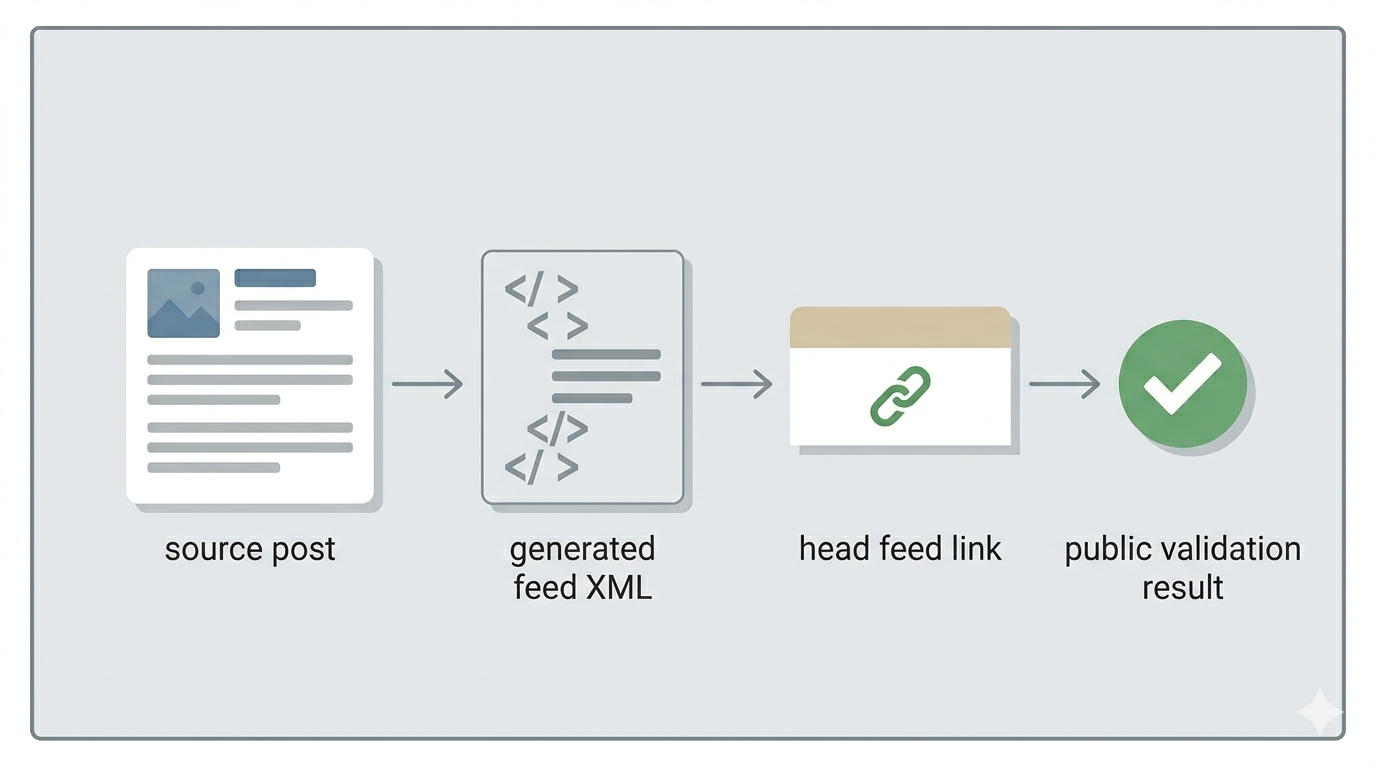
Check the public feed URL directly and confirm three things:
- the response is XML, not HTML
- the latest post items are actually present
- the URL is the same one linked from the live pages
3. Treat the head feed link as part of the contract
RSS is not just the XML file. The discovery link in the page head matters too. If the head still points to an old path, crawlers, readers, and validators will follow the wrong feed even when a correct one exists somewhere else.
4. Keep a tiny feed checklist in the build loop
RSS breaks because no one checks it after changes. A short build checklist is enough:
- Does
/rss.xmlreturn XML? - Does the feed contain the latest published item?
- Does the page head point to the same feed URL?
- Does the locale feed path still work if you expose one?
If one of those fails, the deployment should not be treated as complete.
5. Watch for the quiet failure patterns
Most RSS problems on static sites come from a small set of causes:
- an HTML fallback served at the feed URL
- a route rename without a redirect or updated head link
- stale build output after content changes
- missing locale feed while the site still references it
- a correct feed file that is never linked from the live site
What to do first
Open the live /rss.xml first. If it is not valid XML with your newest post item and the same URL is not referenced from the page head, your feed is not stable yet, even if the site looks fine.